Enterprise YubiKey
Lifecycle Management
Issue, personalise, renew and revoke PKI and FIDO2 passkey credentials on compatible YubiKey hardware from a single MyID® CMS admin console, both credential types managed on one key.
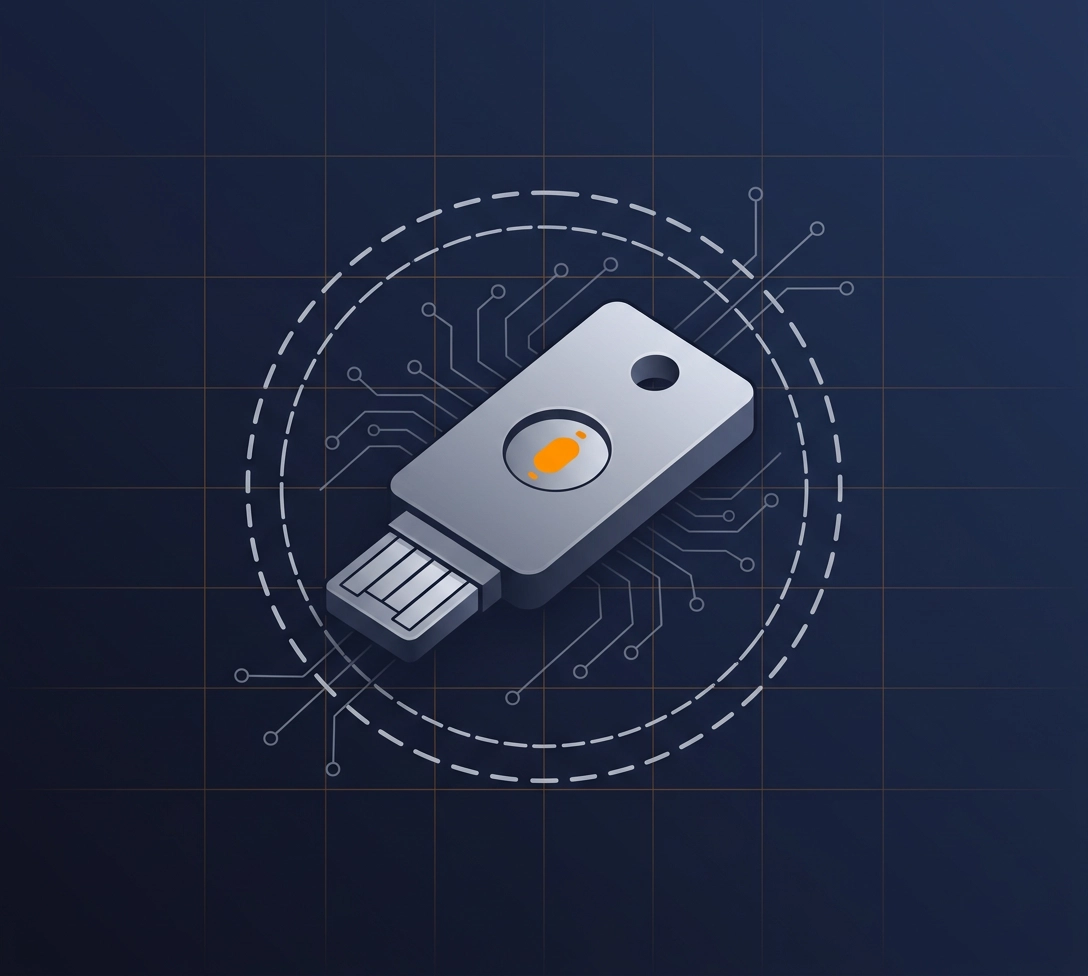
Manage supported YubiKey devices from MyID CMS
Issue, personalise, renew and revoke credentials on all supported YubiKey hardware directly from the MyID CMS admin console, with no separate Yubico management software to deploy. The full list of supported series is in FAQ's below.
What MyID CMS delivers for YubiKey

PKI Credential Issuance
MyID CMS issues and manages authentication, digital signature and encryption certificates on the YubiKey PIV application. Archived encryption keys can be recovered to the device, protecting access to encrypted data when a key is lost or a device is replaced.

FIDO2 / Passkey Provisioning
MyID CMS issues and registers FIDO2 passkeys on the YubiKey, with PIN policy applied at registration. Use Microsoft Entra ID as the authentication server, or MyID directly.

Automated Lifecycle
Expiry monitoring, automated renewal workflows and instant leavers revocation covering both PKI and FIDO2 credentials on the same key.

Single Console
PKI and FIDO2 credential management from one MyID CMS admin interface. Operators work in a single console; users collect their devices through a browser or the MyID clients for Windows and Mac.

Full Audit Trail
Every issuance, modification and revocation event logged for both credential types, providing audit evidence for frameworks such as ISO 27001 and DORA

Entra ID Integration
Passkeys issued through MyID CMS are registered directly in Microsoft Entra ID, so they work with your existing Conditional Access policies. When a leaver's account is disabled, their Entra-registered passkeys are cancelled.

Device Security Management
MyID CMS manages the keys that protect each YubiKey, replacing the factory PIV administration key with customer keys, with per-device key diversification to stop one compromised key exposing the whole estate.

Interface and App Control
Enable or disable capabilities on each device's USB and NFC interfaces, including OTP, OATH, OpenPGP and FIDO U2F, and secure the result with a configuration lock code so users cannot re-enable what you switched off.

PIN Policy Enforcement
Set PIN policies on the device itself, including retry limits, PUK retries, per-container PIN prompts and touch-to-sign. YubiKey Bio and Bio Multi-protocol Edition devices support PIN-less enrolment: the user is issued with a server-generated PIN that is never revealed to them, so access is by fingerprint only and the device cannot be shared, with the PIN reserved for controlled tasks such as enrolling a new fingerprint.
Common questions
Need something specific? Contact our team →
MyID CMS supports the YubiKey 5 Series in all form factors (USB-A, USB-C, NFC, Nano and 5Ci), the YubiKey 5 FIPS Series, the YubiKey Bio and YubiKey Bio Multi-protocol Edition, and the FIDO2-only Security Key Series. PKI (PIV) and FIDO2 applications are both managed on multi-protocol devices; Security Key Series devices are managed as passkey devices. The legacy YubiKey 4 Series is supported for PKI operations only.
MyID CMS does not need Yubico middleware or provisioning tools to issue and manage credentials on YubiKey devices. Depending on the scenario, some software is used on the endpoint: the Yubico minidriver for Windows smart card logon and YubiKey Bio devices, and the MyID Client for Windows or Mac for combined PKI and passkey issuance.
Yes. MyID CMS manages PKI certificates on the YubiKey PIV application and FIDO2 passkeys on the FIDO2 application from a single admin console with both credential types on the same physical key, through their full lifecycle of issuance, renewal and revocation.