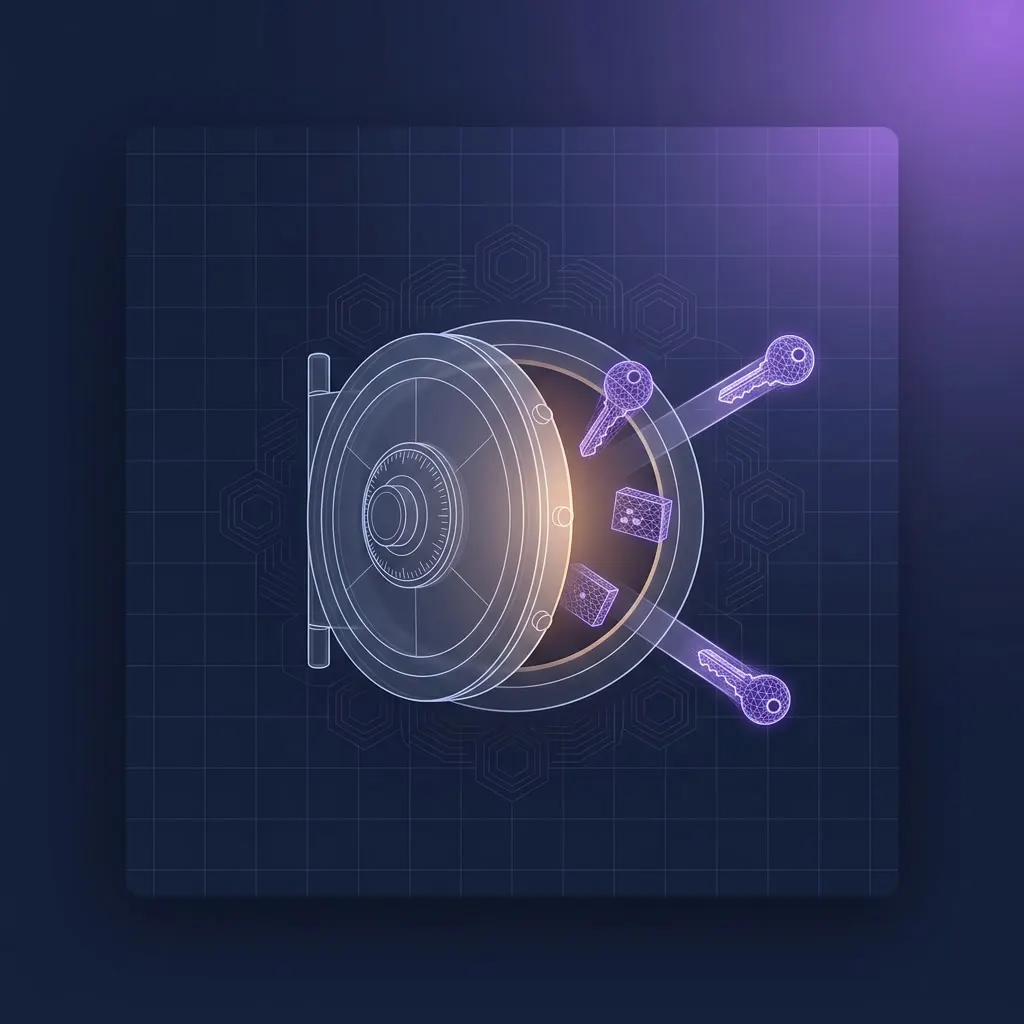
Web service, key store, audit, optional Hardware Security Module
SecureVault is a REST web service backed by an SQL database. Audit data is recorded in a SecureVault audit database - typically created as a separate database alongside the keys-and-data database, so every operation is logged independently. Optional but recommended, HSM integration is provided for hardware-protected key generation and encryption.
| Web service | IIS, ASP.NET Core 8.0 Hosting Bundle |
| Platform | Windows Server 2019 / 2022 |
| Databases | SQL Server 2019 / 2022, Azure SQL, Amazon RDS |
| Recommended DBs | SecureVault and SecureVaultAudit (same or separate supported) |
| Auth modes | OAuth2 (via MyID web.oauth2) or two-way TLS |
| HSM (optional) | Entrust nShield Connect, nShield Solo, Thales Luna |

Web Service
IIS-hosted REST API. Every operation flows through here. Full Swagger documentation published with the service.

Key & Data Database
Stores encrypted private keys and biometric data. SQL Server 2019/2022, Azure SQL or Amazon RDS.

Audit Database
Separate audit database (SecureVaultAudit). Every key and biometric operation logged with ExternalLinkID – the identifier supplied by the calling system, typically a per-person GUID.

HSM Layer (optional)
Support for multiple types of HSM. Scalable concurrent HSM sessions.

MyID CMS Integration
Configured via the External Systems workflow in MyID CMS. Up to 10 SecureVault instances per CMS (SecureVault through SecureVault 10) from CMS 12.16. Different certificate policies can use different instances, allowing separate escrow recovery CMS portals to be restricted to only recovering keys from certificate policies archived to that SecureVault instance.

Key Escrow Mode
Optional dual-CMS topology: Production CMS issues, Escrow CMS recovers. SecureVault accepts connections from both. Key recovery is restricted on the production system by configuration, limiting escrow recoveries to administrators on the Escrow CMS. Requires MyID CMS 12.14+ on both systems.
RSA and ECC, software or HSM-protected
Generate, import, recover and sign with private keys, all CA-independent. Two storage modes: HSM-protected, with end-entity keys generated on the HSM and wrapped under an HSM-resident AES-256 key (FIPS 140-3 Level 3 certified HSMs supported), or software mode using a self-signed RSA 4096 encryption certificate with key generation by the Windows provider (certified to FIPS 140-2 Level 1).

RSA Support
Generate: 2048, 3072, 4096. Import: 1024, 2048, 3072, 4096 – RSA 1024 can be imported, stored and recovered but not generated. Recovery supported across all keys; signing via the /api/Keys/{id}/sign endpoint.

ECC Support
P256, P384, P521. Generate, import, recover, sign.
HSM-Protected Mode
End-entity keys protected by an HSM-resident AES-256 key. Key generation performed on the HSM. FIPS 140-3 Level 3 certified HSMs supported: Entrust nShield Connect, nShield Solo and Thales Luna.

Software Mode
Self-signed RSA 4096 encryption certificate generated by the web service user. Keys stored in CMS (RFC 5652) format in the database. Windows provider, FIPS 140-2 Level 1. Back up the certificate as a PFX.

Alt Key Partitions
For HSMs that don't support asymmetric key export: KeygenTransient partition with BackupKeygenTransient failover.
Multiple Instances
Up to 10 SecureVault instances per MyID CMS (12.16+; 12.13 with UPDATE-12.13.0.2, 12.14 with UPDATE-12.14.0.1). Different certificate policies can use different instances - for example, a separate instance for biometric data.
Encrypted biometric data for FIPS 201 deployments
Add, retrieve, update and delete biometric data, both single-item and batch. Used primarily for MyID CMS PIV biometric enrolment from 12.17 (or 12.13 with UPDATE-12.13.0.2): fingerprints including 10-slap, facial and iris biometrics.

Single-Item Operations
RESTful API to add, retrieve, update and delete individual biometric records. Encrypted at rest in the keys-and-data database.”
Batch Operations
Batch add, retrieve, update and delete through the same RESTful API. Batches are transactional - a failure rolls back the entire batch.”
ExternalLinkID Grouping
All items in a batch must share the same ExternalLinkID, typically a GUID identifying the person whose data is being stored. Audit trail keyed on the same ID.
Supported Biometrics
Fingerprint biometrics including 10-slap capture, facial images and iris data - stored encrypted for FIPS 201 enrolment workflows via MyID CMS PIV 12.17+.

Biometric Migration
A command-line Biometric Migration Utility transfers existing biometric data from MyID CMS to SecureVault. Migration is one-way – data cannot be moved back to CMS or to another SecureVault instance.
Audit Trail
Biometric operations are audited in the SecureVault audit database, and the SecureVault Biometric Usage report in the MyID Operator Client shows the number of records stored per instance.
Need the full technical specification?
Download the MyID SecureVault v3.0 (IMP2071-05) technical datasheet for full prerequisites, supported HSM models, OAuth2 and two-way TLS setup, and the complete REST API reference.